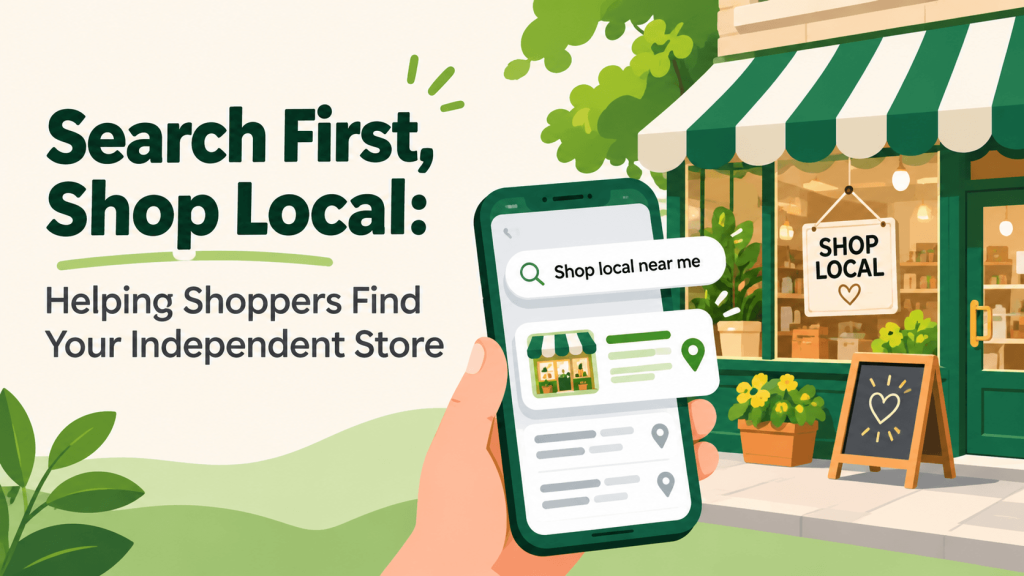
A shopper in Austin needs a last-minute birthday gift and a specific brand of hiking socks. Before leaving the house, she searches to see which nearby stores carry what she wants and whether they’re open on Sunday. The independent outdoor shop two miles away has exactly what she needs, but its listing shows no products, no photos, and hours from 2022. She drives to a big-box store instead.
Independent retailers often win once customers walk through the door. The challenge is getting them to choose your store before they leave home.
Answer the Questions Shoppers Ask Before Visiting
Shoppers usually want to know three things: Is the store open? Does it carry what I need? Is it easy to get to? Accurate hours, including holiday and seasonal changes, come first. Next, describe the brands and product categories you carry in plain words on your website and profiles.
Practical details help too. Mention parking, curbside pickup, gift wrapping, or local delivery if you offer them. These small facts often decide which store a busy shopper chooses, especially on weekends.
Show What’s on Your Shelves
Photos of your storefront, displays, and popular products give shoppers a feel for your store before they visit. Update them seasonally so the images match what customers will see when they walk in the door.
Some retailers go further by sharing local product availability. Google Merchant Center, for example, allows eligible stores to show which products are in stock at a nearby location. Even without that setup, a simple "what we carry" page listing your main brands can help shoppers confirm you’re worth the trip.
Make Your Store Easy to Find Everywhere
Shoppers discover stores through maps, search engines, social media, and local business directories. Each source should show the same store name, address, phone number, and hours.
Directories that organize businesses by category can be especially useful for retail. A complete profile in the Store Business Listings shopping and sales directory lets local shoppers browse nearby stores and confirm your details before heading out. Keep it updated whenever your hours or product focus changes, just as you would your Google Business Profile.
Conclusion
Many shopping trips start with a quick search, and the store with clear, current information often gets the visit. Keep hours accurate, show what you carry, and maintain consistent listings everywhere shoppers look, including Store Business Listings. Those steps give your store a fair chance before customers ever walk in.
Frequently Asked Questions
How can a small store show what products it has in stock online?
Eligible retailers can use Google Merchant Center to share local product availability, often with help from their point-of-sale system. If that’s too complex, start with a website page listing the brands and categories you carry, and post updates when popular items arrive or sell out.
Should my retail store list holiday hours online?
Yes. Holiday hours are one of the most common reasons shoppers check a store online. Update special hours on Google Business Profile, Apple Business Connect, your website, and directory listings a week or two before each holiday so customers don’t arrive to find the doors closed.
Are store photos really that important for retail businesses?
Photos help shoppers judge whether your store matches what they’re looking for, from product selection to atmosphere. Clear images of your storefront also make the building easier to recognize when someone arrives. Replace old photos when you remodel, rearrange displays, or change seasonal merchandise.
How can an independent store compete with large chains online?
Focus on what makes your store different, such as specialty brands, expert staff, local delivery, or personal service. Describe those strengths clearly in your profiles and on your website. Accurate, detailed information often helps a small store stand out against chains with generic listings.